Objective
This SOP outlines the steps to connect your domain purchased from a registrar to the Business Suite using Cloudflare.
TABLE OF CONTENTS
- Key Steps
- Step 1: Sign Up for Cloudflare 0:00
- Step 2: Add Your Domain to Cloudflare 0:12
- Step 3: Access Your Domain Settings in GoDaddy 0:21
- Step 4: Change Name Servers in GoDaddy 1:07
- Step 5: Enter Cloudflare Name Servers 1:18
- Step 6: Confirm Changes 1:27
- Step 7: Check Name Server Status 1:55
- Step 8: Connect Your Domain in Cloudflare 2:05
- Step 9: Optional - Link to a Funnel or Website 2:17
- Step 10: Set Default Page (Optional) 3:11
- Cautionary Notes
- Tips for Efficiency
Video Guide:
Key Steps
Step 1: Sign Up for Cloudflare 0:00
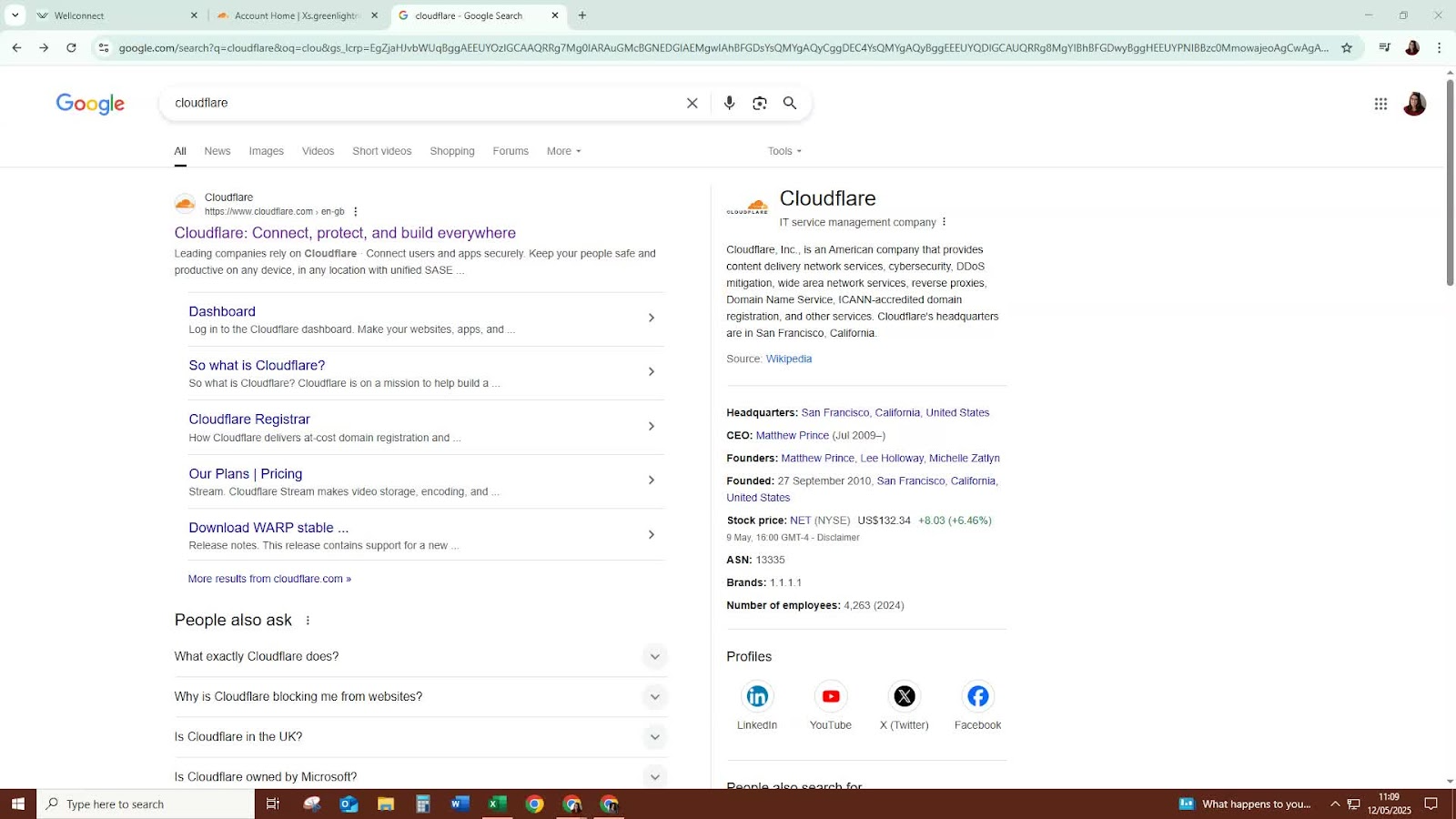
Go to the Cloudflare website.
Sign up for a free account.
Step 2: Add Your Domain to Cloudflare 0:12
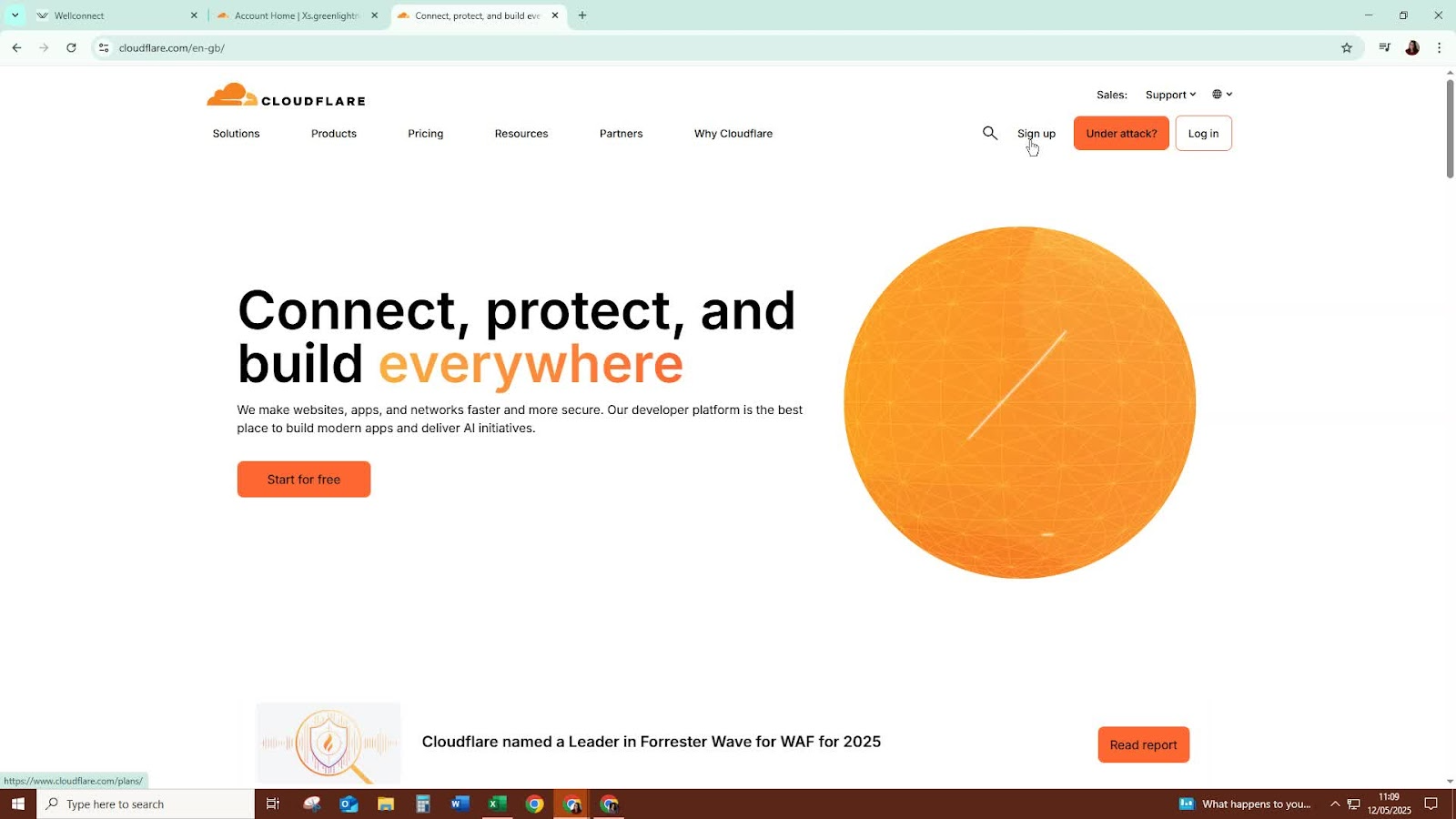
After signing up, add the domain name you purchased (e.g., from GoDaddy) to your Cloudflare account.
Step 3: Access Your Domain Settings in GoDaddy 0:21
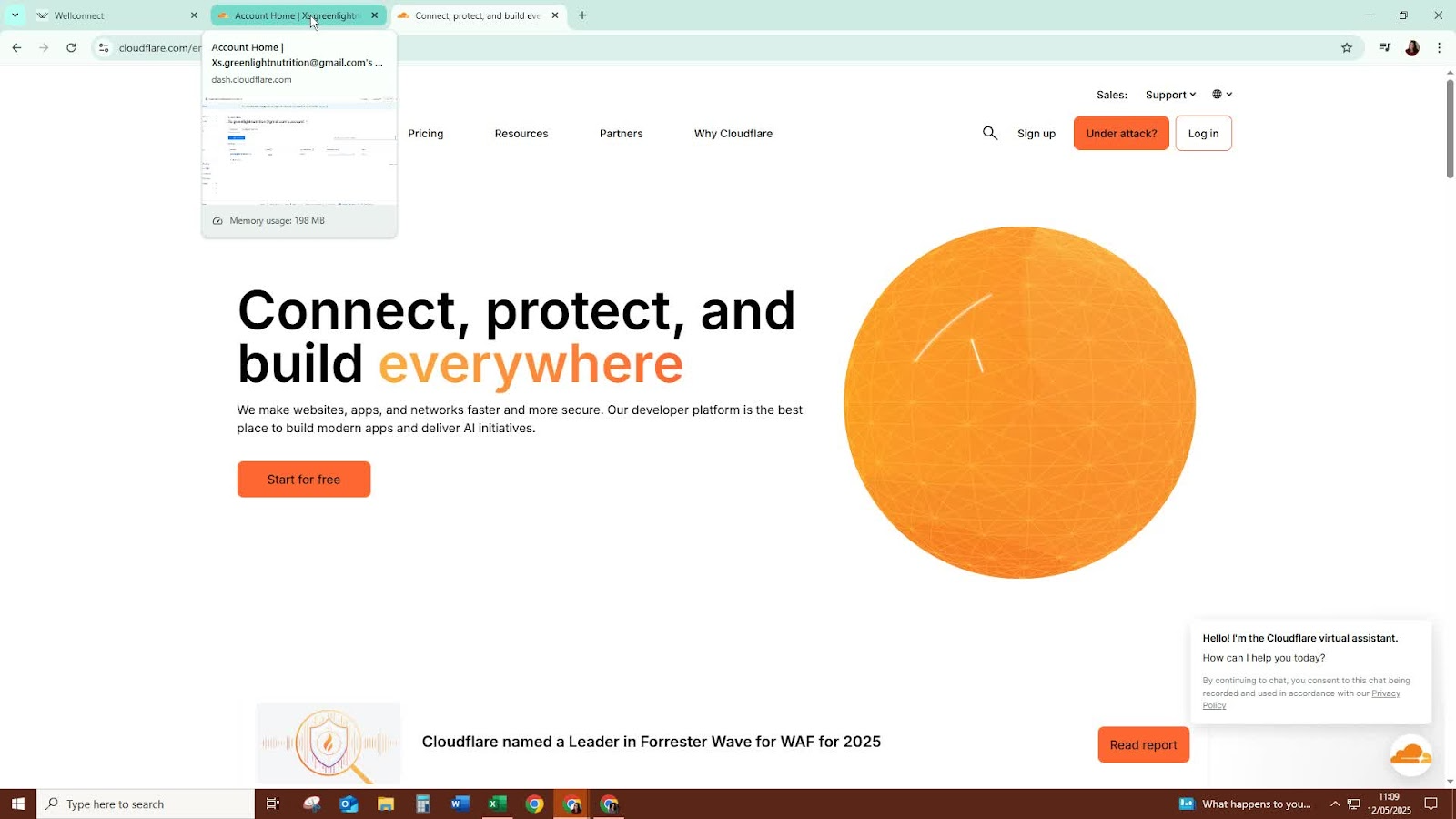
Log in to your GoDaddy account.
Navigate to the domain you want to connect.
Step 4: Change Name Servers in GoDaddy 1:07
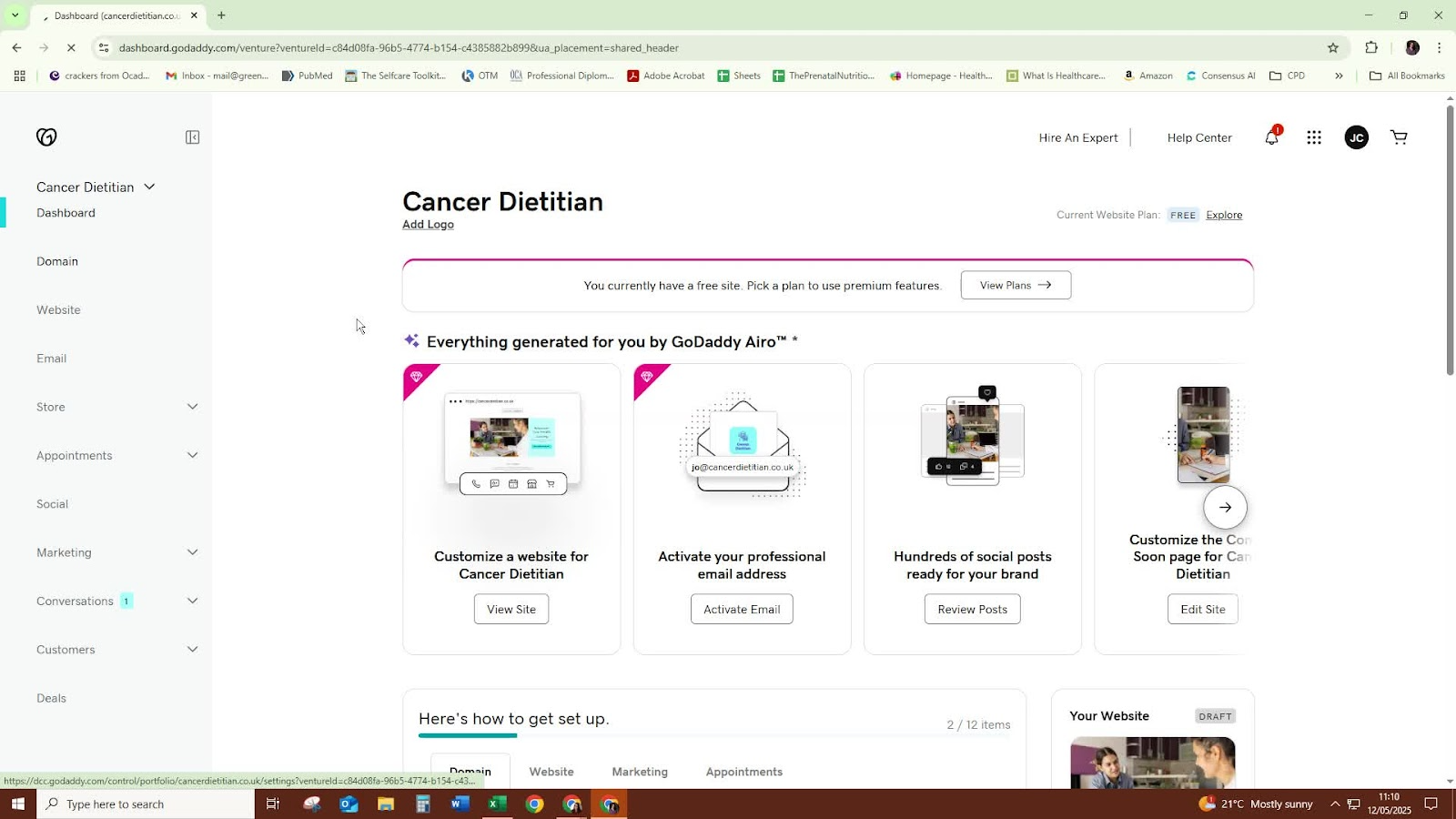
Go to the DNS settings of your domain.
Select the option to use your own name servers.
Step 5: Enter Cloudflare Name Servers 1:18
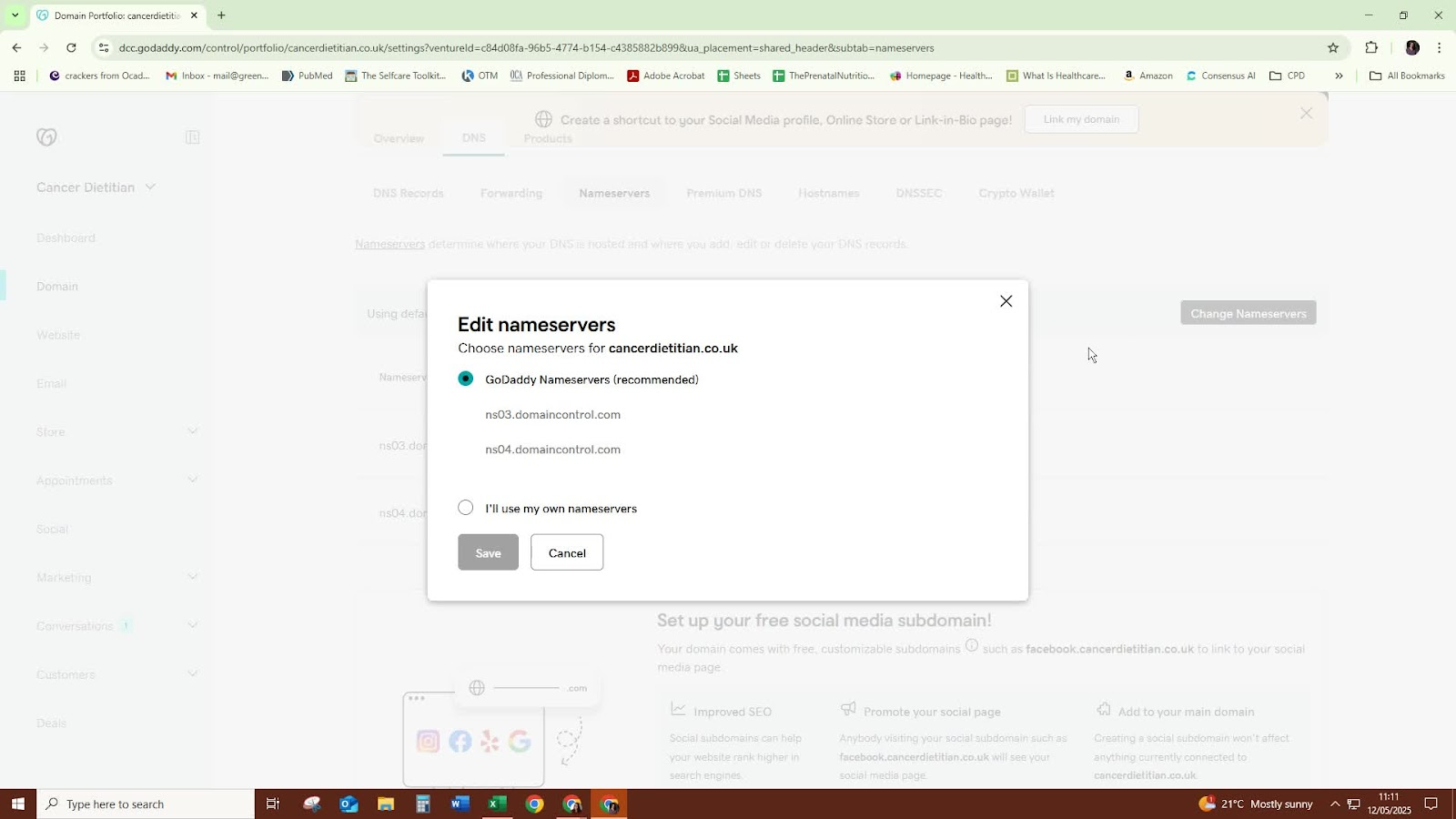
Copy the name servers provided by Cloudflare.
Paste them into the appropriate fields in GoDaddy.
Step 6: Confirm Changes 1:27
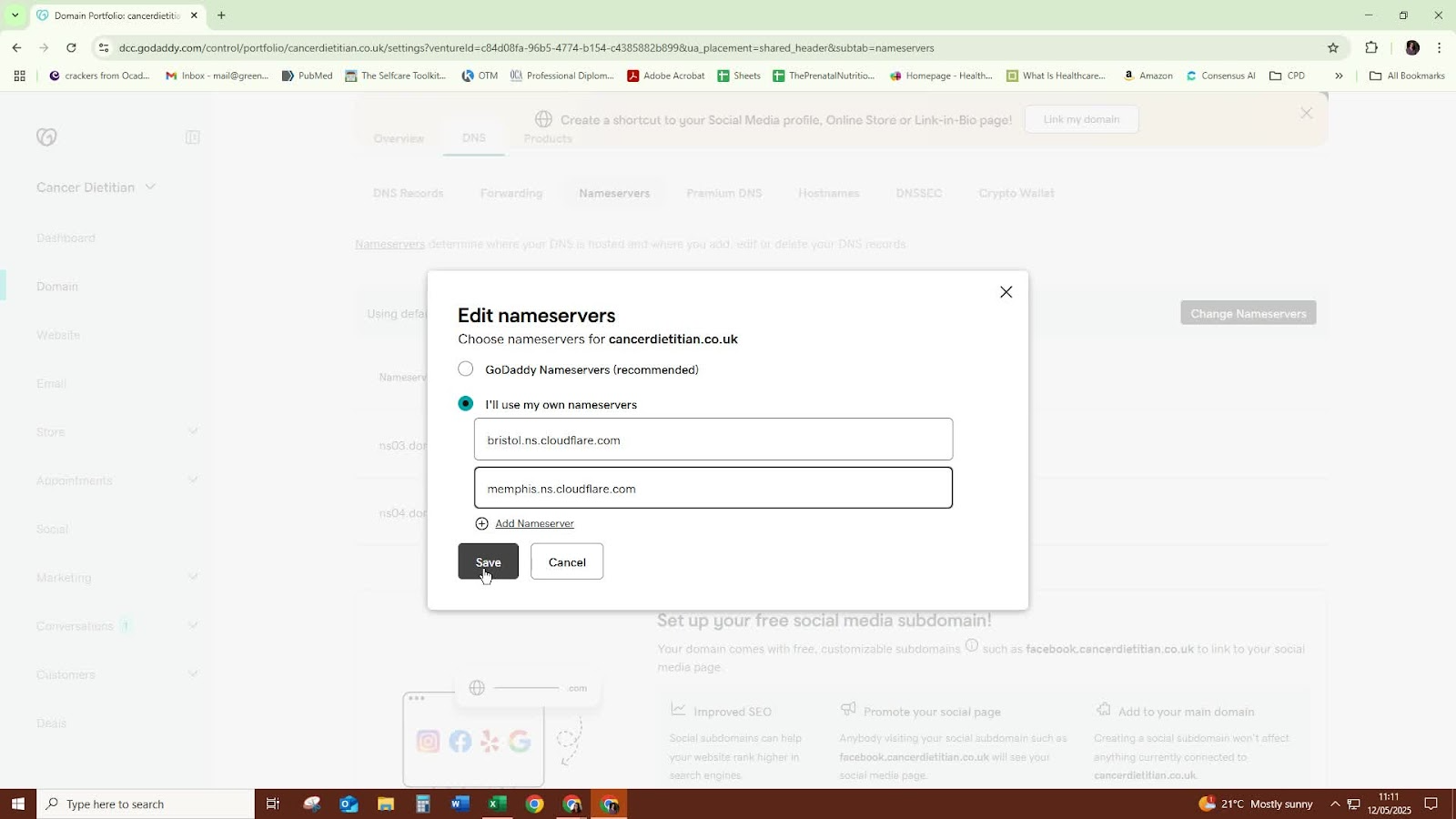
After entering the name servers, confirm the changes.
Wait for the request to process.
Step 7: Check Name Server Status 1:55
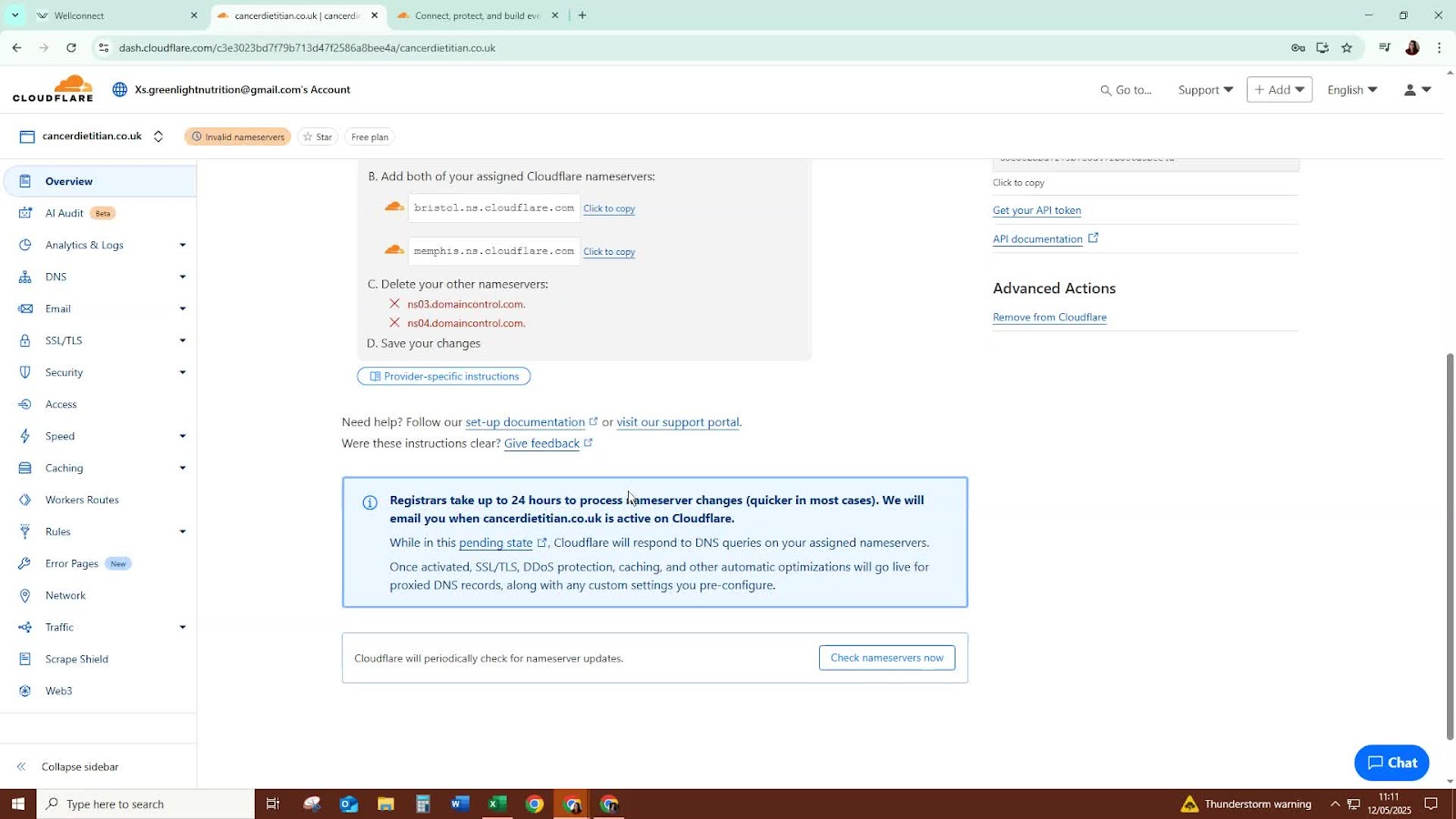
After a few hours, check the status of your name servers in Cloudflare.
It may take some time to update, but it should be fairly quick.
Step 8: Connect Your Domain in Cloudflare 2:05
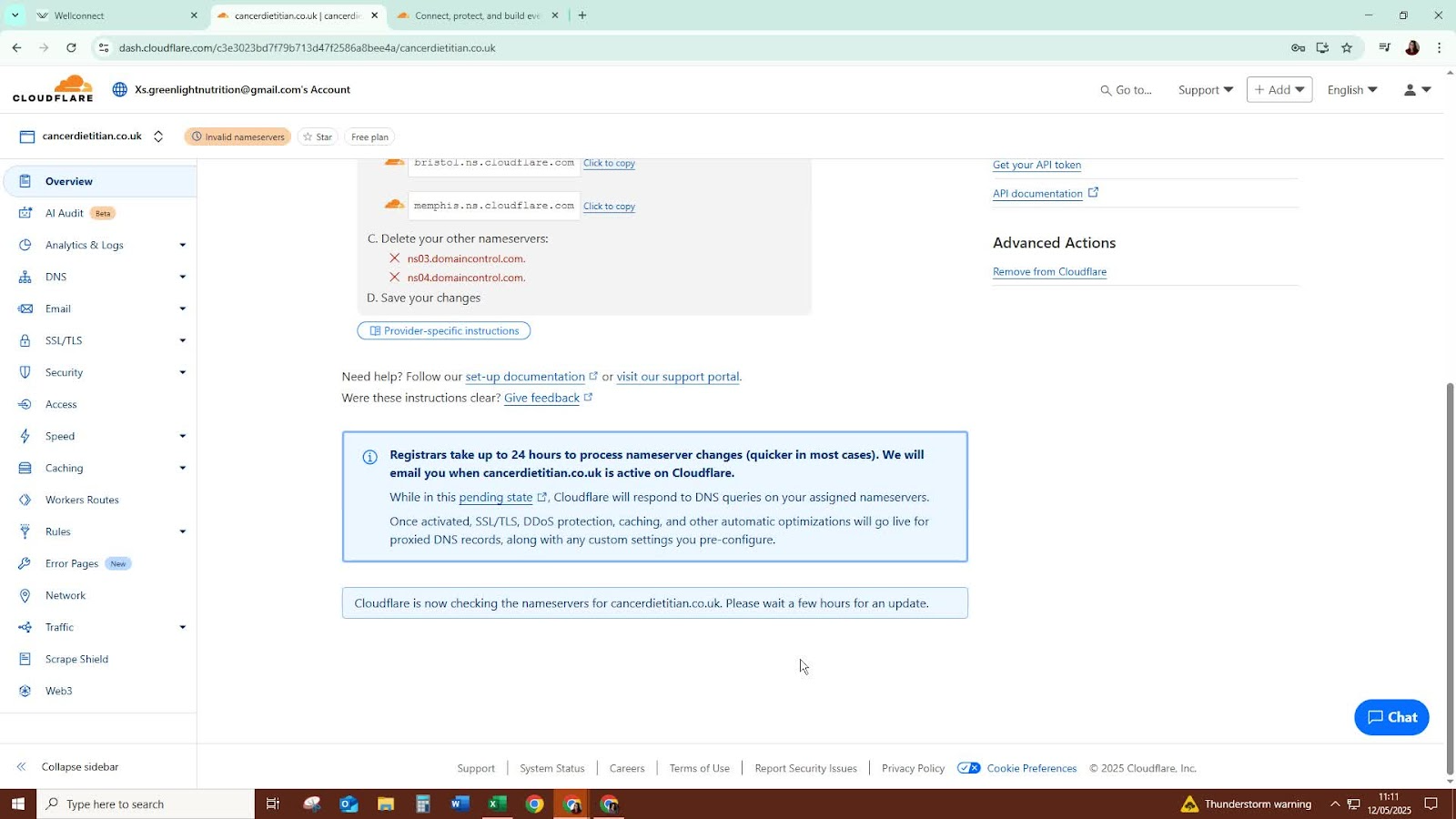
In Cloudflare, go to the domains section.
Select the option to connect your domain.
Step 9: Optional - Link to a Funnel or Website 2:17
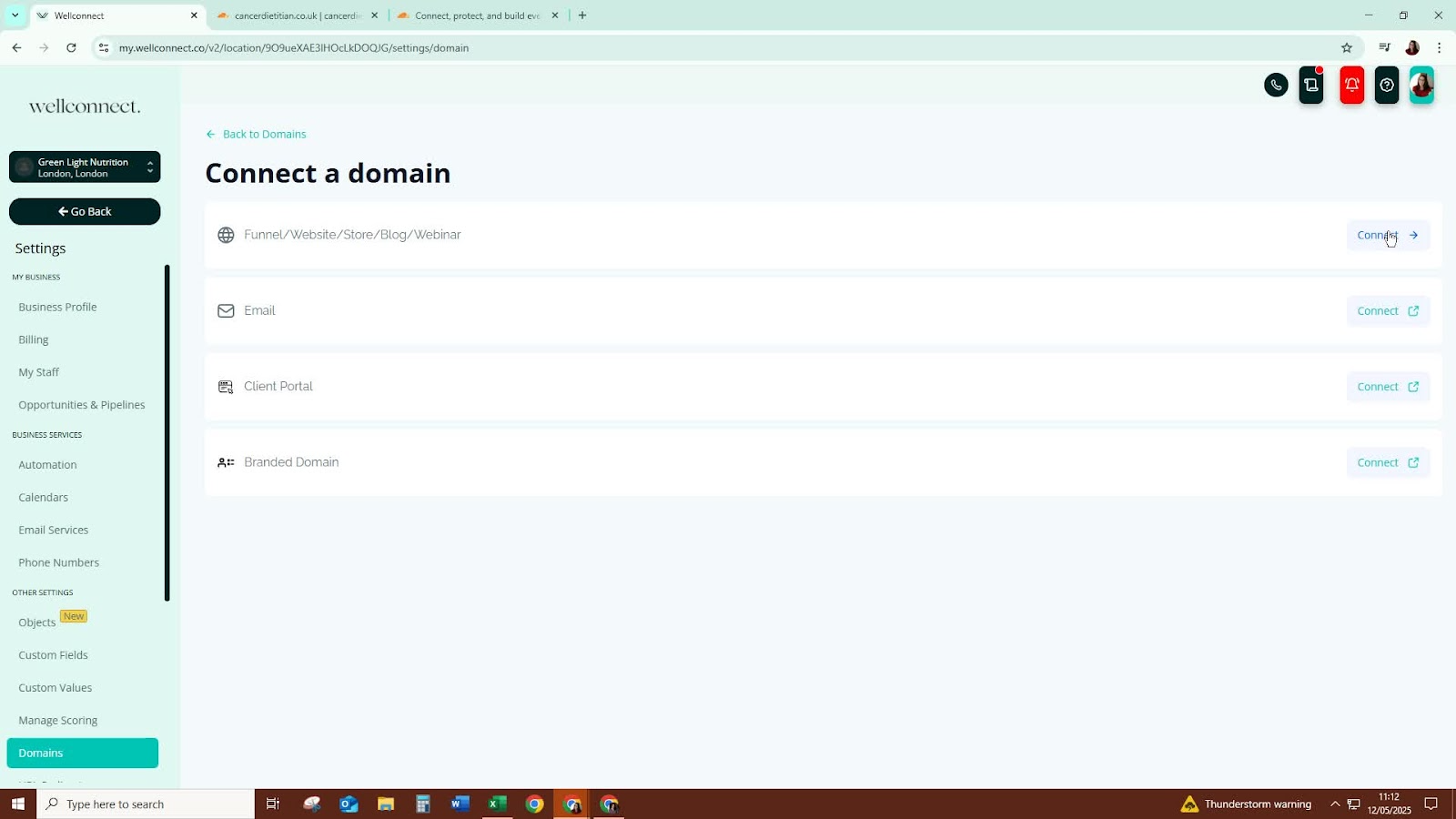
If desired, you can link the domain to a funnel or website at this stage.
Step 10: Set Default Page (Optional) 3:11
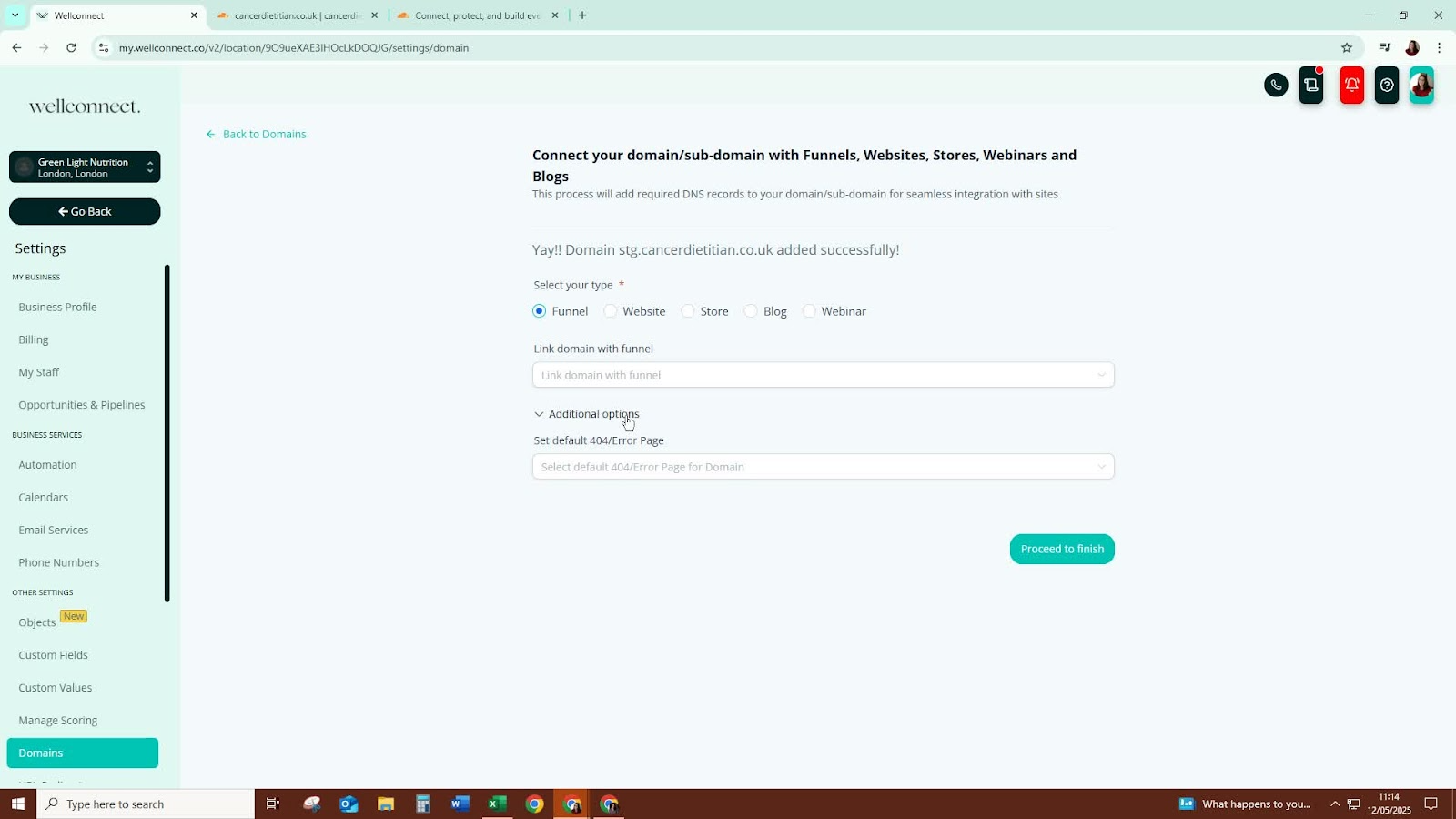
You can select a default page if needed, but it is optional.
Step 11: Finalise Connection 3:20
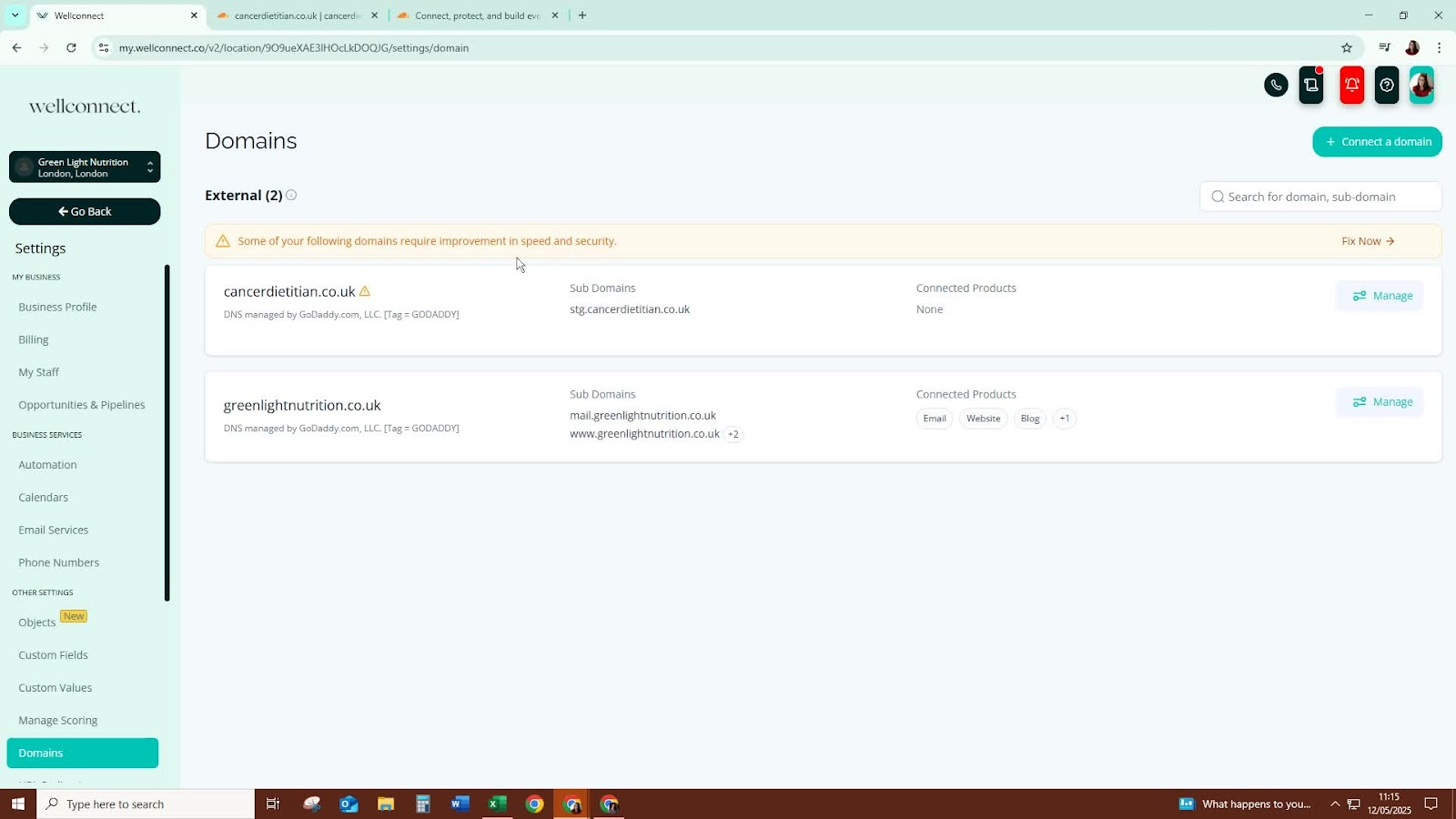
Note that the domain is now added but not yet connected to your website as it is a staging domain.
Cautionary Notes
Ensure that you have access to both your Cloudflare and domain registrar accounts.
Double-check the name servers to avoid misconfiguration, which can lead to downtime.
Tips for Efficiency
Keep your login credentials for Cloudflare and your domain registrar handy to streamline the process.
Monitor the status of your name servers periodically to ensure they update correctly.
Was this article helpful?
That’s Great!
Thank you for your feedback
Sorry! We couldn't be helpful
Thank you for your feedback
Feedback sent
We appreciate your effort and will try to fix the article